
This is a walkthrough of LetsDefend SOC338, a Critical severity phishing alert involving Lumma Stealer and ClickFix. If you are practicing for a SOC analyst role or working through LetsDefend alerts, here is exactly how I approached the investigation step by step.
Alert Details
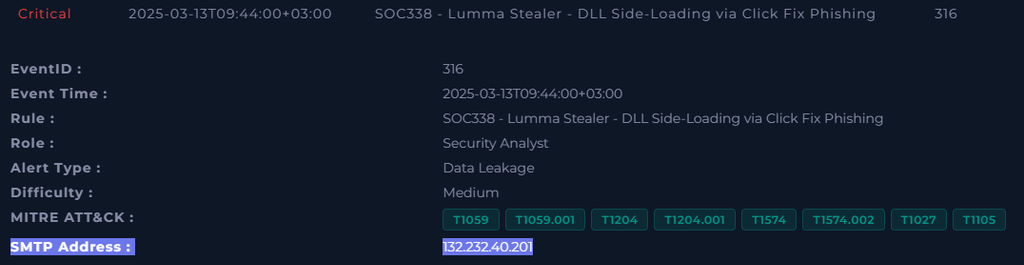
| Event ID | 316 |
| Severity | Critical |
| Type | Data Leakage |
| Rule Name | SOC338 – Lumma Stealer – DLL Side-Loading via ClickFix Phishing |
| Verdict | True Positive |
Overview
Someone decided the best way to steal credentials was to disguise malware as a Windows update. Spoiler, it did not work. Here is how the investigation went.
Lumma Stealer is an information-stealing malware that targets credentials stored in browsers, cryptocurrency wallets, and two-factor authentication applications. It uses DLL side-loading to execute by hijacking a legitimate process, making it harder for endpoint security tools to catch. It is delivered here via a ClickFix phishing lure.
ClickFix is a social engineering technique that presents the victim with a fake error message or system prompt and instructs them to click a button or run a command to fix the problem. In this case the lure was a fake Windows 11 upgrade prompt. The same technique gets used with fake CAPTCHA prompts, fake browser errors, and fake software license pop-ups. It works because it exploits the user’s instinct to fix something that appears broken.
Step 1: Case Initialization
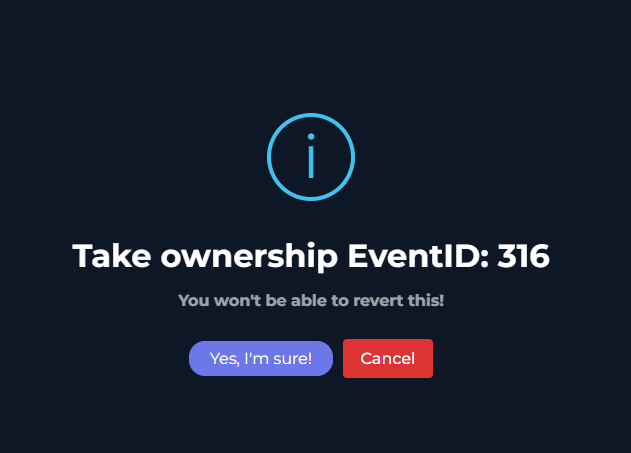
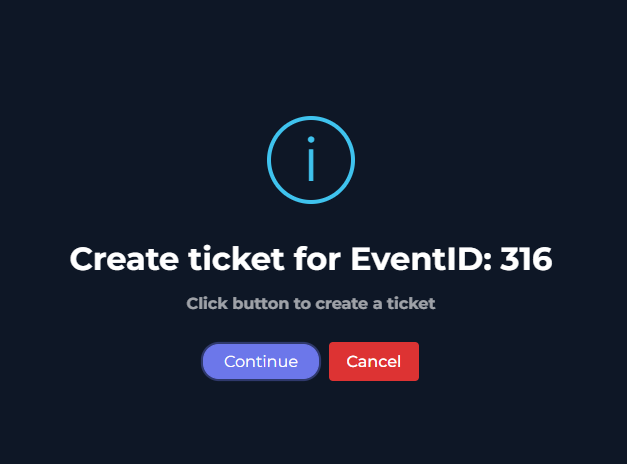
The alert came in through the Investigate Channel in the Monitoring section. The first step was taking ownership of EventID 316 and creating a case ticket to kick off the formal investigation.
With the case created, the next step was opening the playbook, which is a structured checklist that walks through every step of the analysis so nothing gets missed and the response stays consistent regardless of who handles the alert.
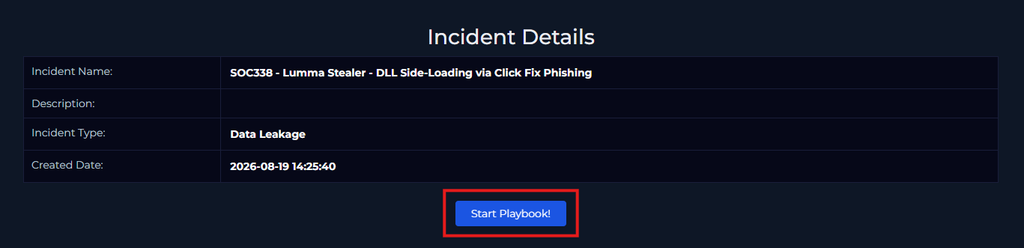
Duplicate the browser tab so you can keep the playbook visible on one side while working through the alert details on the other. Small thing, real time saver.
Step 2: Analyze the Phishing Email
The playbook starts with the phishing email itself. This one had red flags stacked on red flags.

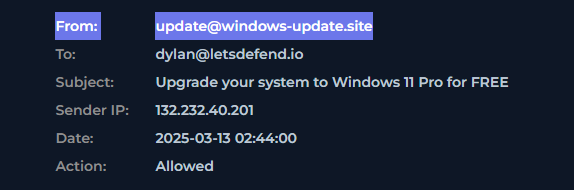

Email Content Analysis
The email claimed to be from Microsoft, urgently pushing the recipient to upgrade to Windows 11 Pro for free. Opening it in the Email Security section revealed the following red flags:
- Urgent language pushing for immediate action
- Excessive repetition of the Update Now button
- Sender domain with no Microsoft affiliation whatsoever
- The Update Now button linked to a malicious URL rather than any Microsoft domain.
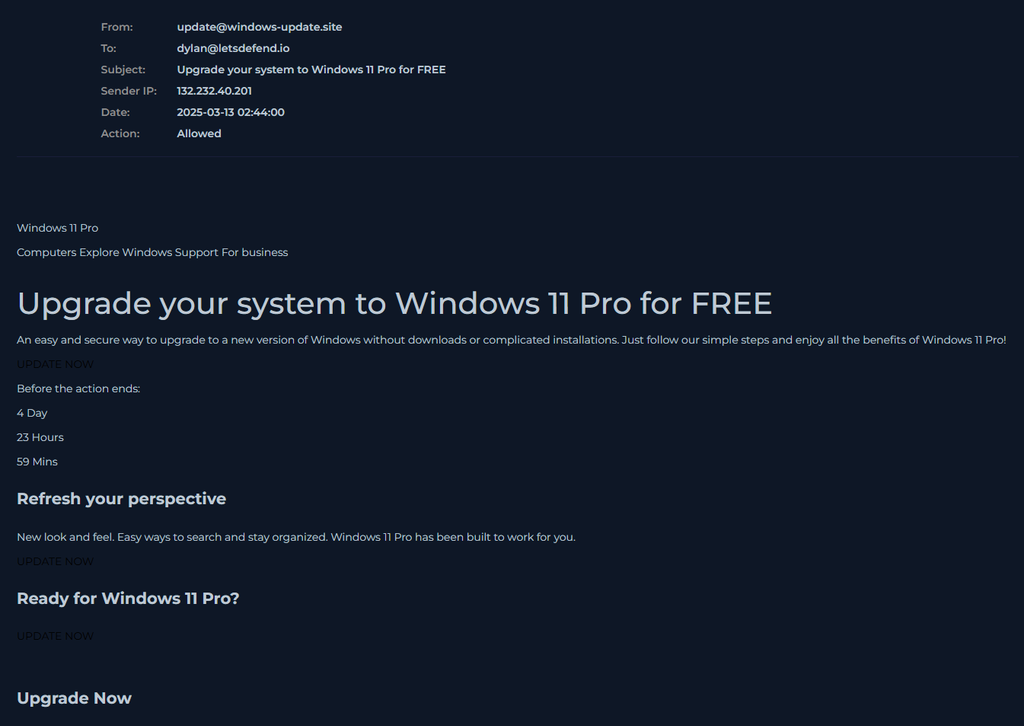
The email was sent at 2:44 AM, which is an odd time for a legitimate corporate software update communication. Legitimate Microsoft update notifications do not arrive in the middle of the night urging you to click a link immediately.
Does the Email Contain Attachments or URLs?
Yes. The Update Now button contained a hyperlink to a malicious URL. To inspect it without clicking, hover over the button and check the URL preview in the browser’s bottom-left corner. It did not point to anything Microsoft related.
Step 3: Analyze the URL
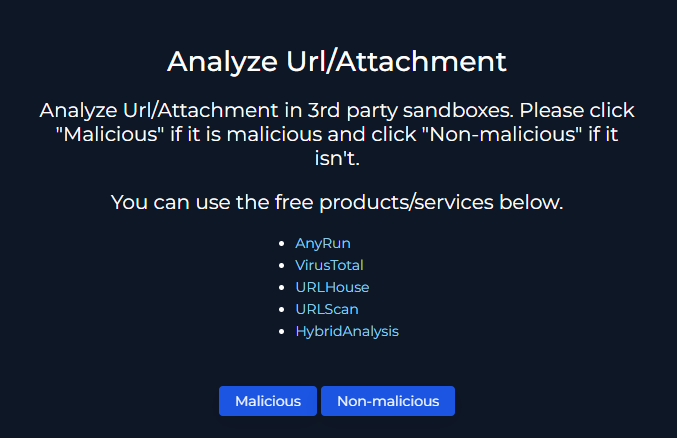
Before touching anything, the suspicious URL went into VirusTotal for a quick reputation check.
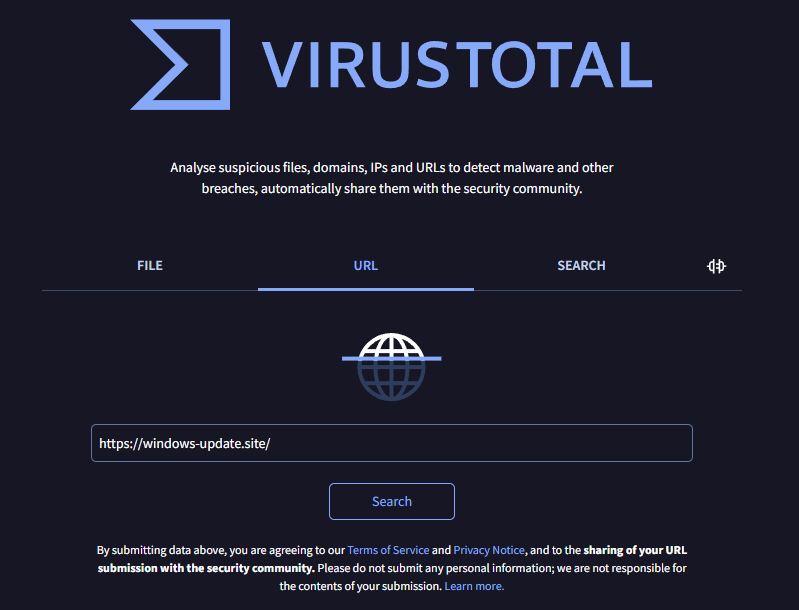
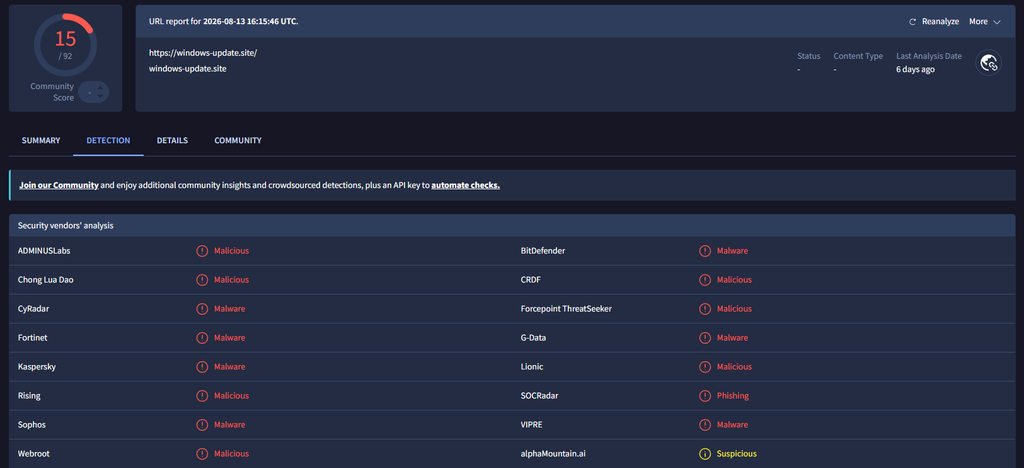
| VirusTotal Result | 15/92 detections flagged as malicious phishing |
Step 4: Was the Email Delivered to the Recipient?
Back to the alert details. The Action field confirmed: Allowed. The email made it to Dylan’s inbox without being caught by email filtering. This shifts the investigation to the endpoint.

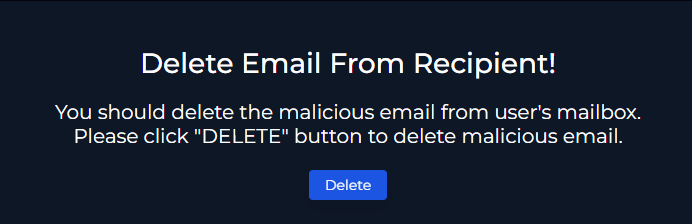
Step 5: Delete the Email from the Recipient’s Inbox
With the email confirmed as malicious and delivered, the next playbook step was removing it from Dylan’s mailbox immediately to eliminate any chance of a second click.
Step 6: Check the Endpoint
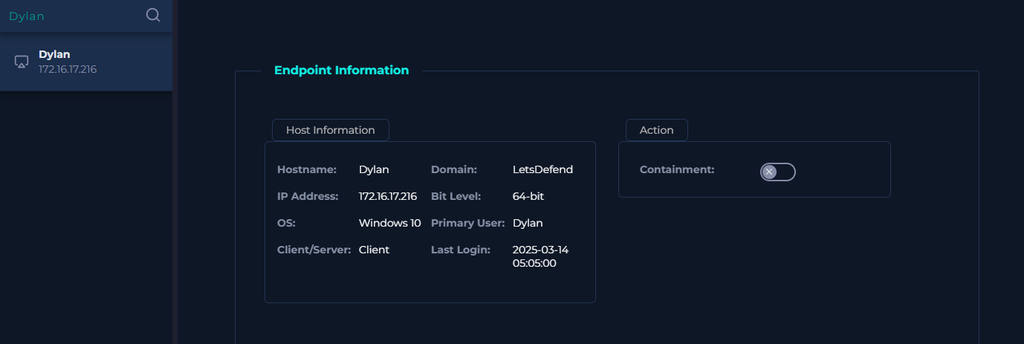
This is where things got more serious. Dylan’s workstation was pulled in the Endpoint Security section and the browser history was reviewed.
The malicious URL had been accessed. Dylan clicked the link.
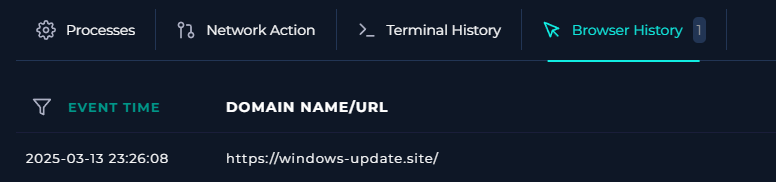
This is the moment in every investigation where you stop hoping it was a false positive and start thinking about containment. The user accessed a confirmed malicious URL that delivers Lumma Stealer via DLL side-loading. The endpoint needs to be isolated immediately.
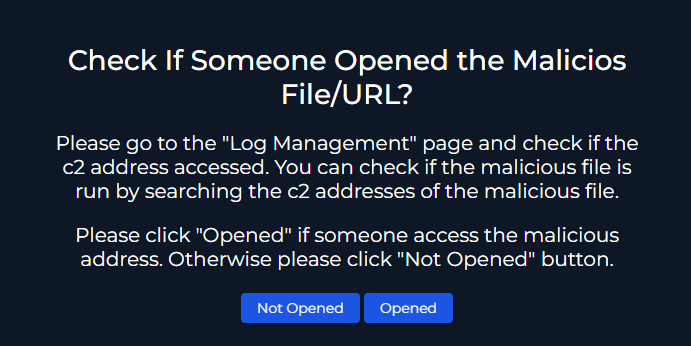
Did the User Open the Malicious File or URL?
Yes, confirmed through the browser history. The playbook asks this question specifically to determine whether containment is required. The answer here is unambiguous.
Step 7: Contain the Endpoint
With confirmed endpoint access to a malicious URL, the next step was isolation. In the Endpoint Security tab, the Contain button was toggled to cut Dylan’s workstation off from the network.
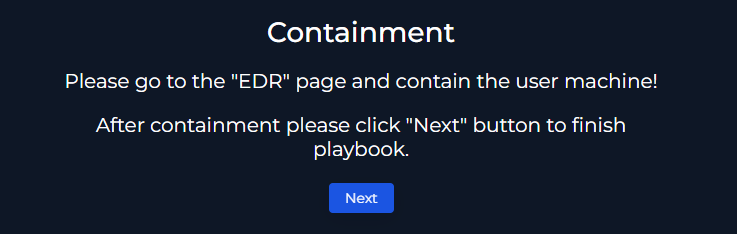
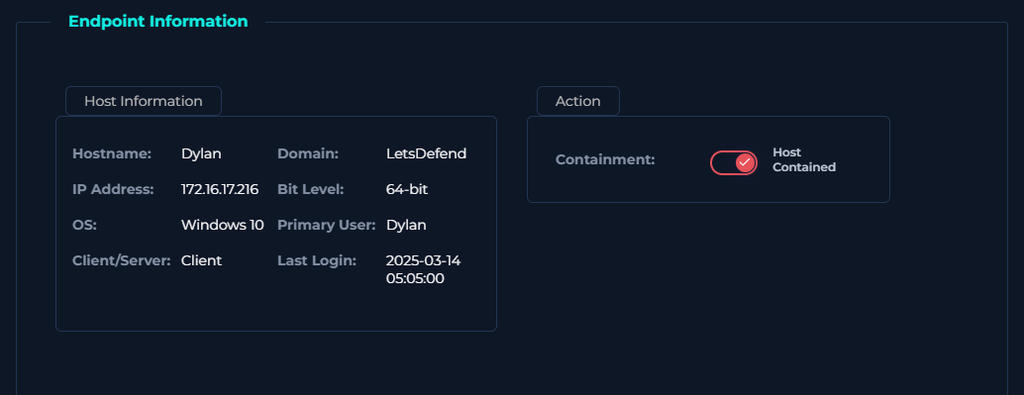
Containment isolates the machine from the network while preserving it for forensic review. This stops any potential lateral movement or data exfiltration that Lumma Stealer may have already initiated, without destroying the evidence trail needed for a full investigation.
Verdict and Case Closure
| Final Verdict | True Positive |
| Action Taken | Email deleted, endpoint contained |
| Escalation Required | Yes, for full forensic review of Dylan’s workstation |
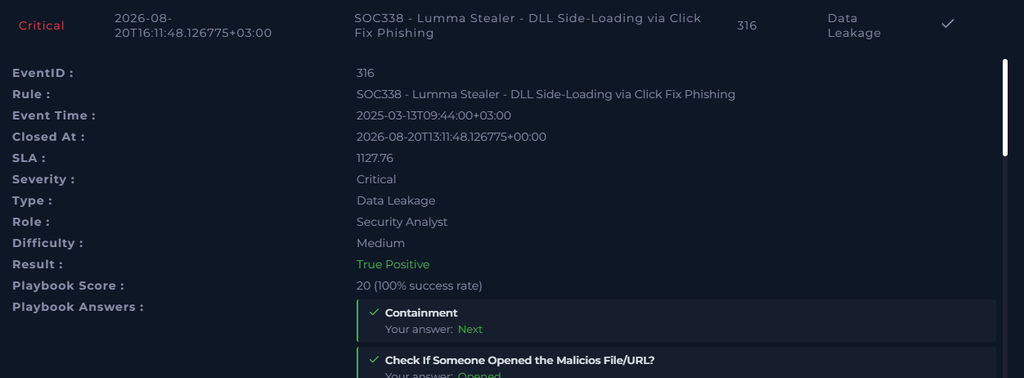
The alert was closed as a True Positive. Every step of the chain confirmed it; a convincing phishing email pretending to be a Microsoft update, a malicious URL confirmed by VirusTotal, delivery to the recipient’s inbox, and confirmed endpoint access. They playbook worked exactly as designed.
MITRE ATT&CK Tags
| Technique ID | Technique Name | Tactic |
|---|---|---|
| T1059 | Command and Scripting Interpreter | Execution |
| T1059.001 | PowerShell | Execution |
| T1204 | User Execution | Execution |
| T1204.001 | Malicious Link | Execution |
| T1574 | Hijack Execution Flow | Persistence, Privilege Escalation, Defense Evasion |
| T1574.002 | DLL Side-Loading | Persistence, Privilege Escalation, Defense Evasion |
| T1027 | Obfuscated Files or Information | Defense Evasion |
| T1105 | Ingress Tool Transfer | Command and Control |
Why This Attack is Interesting
The combination of ClickFix social engineering and Lumma Stealer payload is what pushed this alert to Critical severity. Neither piece alone is as dangerous as the two working together.
ClickFix works because it exploits the user’s instinct to fix something that appears broken. A fake Windows update prompt is particularly effective because most users are conditioned to apply updates promptly. The attacker knows this and uses it. The same technique is appearing increasingly in phishing campaigns with fake CAPTCHA prompts, fake browser error messages, and fake software license pop-ups.
Lumma Stealer uses DLL side-loading to execute by hijacking a legitimate Windows process rather than running as an obvious malicious executable. This makes it harder for traditional endpoint security tools to flag it because from the OS perspective a known-good process is loading a DLL, which is normal behavior. The malicious DLL just happens to be substituted in place of the legitimate one.
Takeaways
- The playbook-driven approach is what made this investigation efficient. Each step had a clear question and a clear action, which kept the investigation moving in a straight line rather than in circles.
- Check the endpoint even when you expect it is fine. The instinct after deleting the email might be to close the case. The playbook correctly pushes you to verify whether the link was accessed before assuming containment is complete.
- Contain first, investigate second. Once you confirm endpoint access to confirmed malicious content, containment takes priority over additional investigation. Stop the bleeding, then look at the wound.
Get the security checklist most
businesses skip.
A free 25-point audit covering the exact gaps attackers hit first, written by an engineer in plain language. Plus one practical security breakdown every Tuesday.
Get the Free Checklist →Free on signup · Unsubscribe anytime · ~1 email per week