
In a recently published newsletter, I told the story of a government contractor in Australia who uploaded a spreadsheet full of flood relief applicants, names, addresses, and in some cases health information, to a personal ChatGPT account. Nobody approved it. Nobody reviewed it. By the time anyone found out, that data was already sitting on servers the organization had no control over.
That issue was about why this keeps happening. This post is about something more useful: how you actually find out whether something like that is already happening at your own company, right now, before it turns into a breach notification.
No new software required. Just five things worth checking, most of which live inside tools you already pay for.
Why Most Companies Cannot Answer This
Here is an uncomfortable question worth sitting with for a second. If someone asked you right now what AI tools your team actually uses, could you answer with any real confidence? Not the tools you rolled out. Not the ones in the employee handbook. The ones people are actually using to get their work done faster.
Most companies cannot answer that honestly, and the data backs it up. Microsoft’s own Work Trend Index found that the large majority of people using AI at work bring their own tools rather than anything their company approved or provided, and at small and medium sized businesses, that number climbs even higher. Cisco’s 2025 Cybersecurity Readiness Index, based on a survey of thousands of business leaders who actually hold security responsibilities, found that most companies do not know what their employees are asking AI tools, and most of them admit they would not even recognize unauthorized use if it were happening under their nose.
None of that means your IT team is careless. It means you are in the majority, not some rare exception. The gap between the AI tools you approved and the AI tools people actually use is close to universal right now.
Want the 25-point security checklist I actually use? It’s the same baseline I run against real infrastructure – free, no fluff.
Get the Free Checklist →The Shadow AI Discovery Checklist
Good news: fixing this does not start with a purchase. Most of what you need is already sitting inside tools your company already pays for. Here is the actual walk-through, in order.
Step 1: Check Microsoft 365’s Enterprise Applications view.
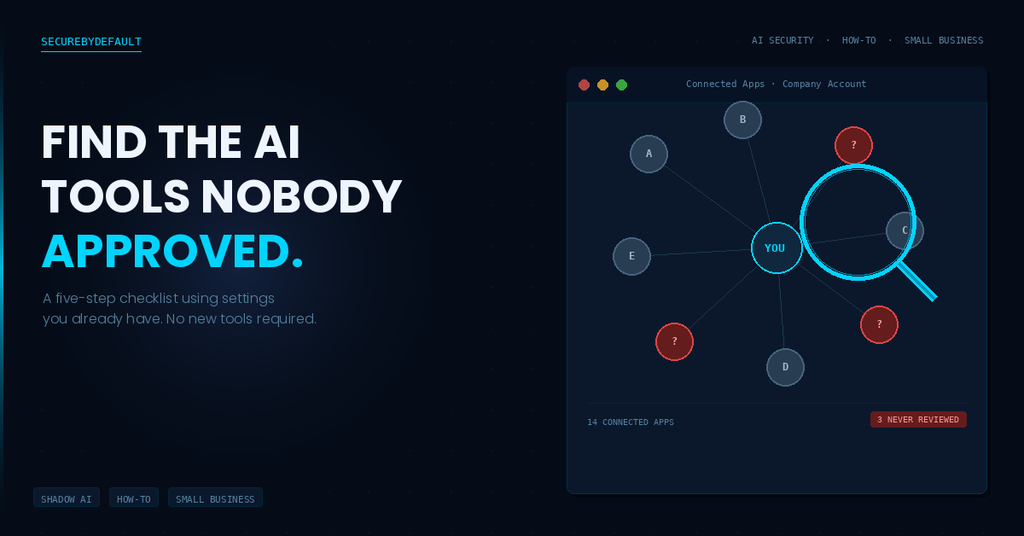
If your company runs on Microsoft 365, open Entra ID, the product formerly known as Azure AD, and look at Enterprise Applications. This view shows every third party app that has been granted access to company data through a user sign-in, and that list is almost always longer than admins expect. AI tools that connect through “sign in with Microsoft” show up here, alongside plenty of other apps nobody remembers approving.
What to actually look for: app names you do not recognize, permissions broader than the app seems to need (read access to email, files, or calendars is a common one), and how many users have granted that app access. One person connecting an unfamiliar tool is a quick conversation. Forty people connecting the same one is a pattern worth understanding.
Step 2: Check Google Workspace’s API Controls.
If your company runs on Google Workspace instead, the equivalent lives under Security, in API Controls. Same idea: a list of third party apps with OAuth access to company data, most of which were never formally reviewed by anyone. Work through it the same way you would the Microsoft view. Unfamiliar app, broad permissions, more users than expected.
Step 3: Review browser extensions on company managed devices.
This is the step most informal audits skip, and it is a mistake. A lot of AI tools never show up as a connected app at all. They show up as a browser extension, a small Chrome or Edge add-on that summarizes emails, rewrites text, or reads whatever page happens to be open. If you manage devices centrally, check installed extensions across your fleet. If you do not manage devices centrally yet, this is a decent argument for starting.
Step 4: Ask, do not assume.
Technical scanning catches a lot, but it will not catch everything, especially personal accounts on personal devices being used for work tasks. The fastest way to close that gap is almost embarrassingly simple: ask people directly. A short, genuinely blame-free survey, something like “what AI tools do you use for work, no wrong answers here,” surfaces more real information than most technical audits manage on their own. People are far more willing to admit they used ChatGPT to draft an email before anyone has told them they were not supposed to.
Step 5: Document what you find.
Do not react to each discovery the moment you find it. Build one simple list instead: tool name, who is using it, what data it can actually touch, and a category, approved, needs review, or block. You will likely end up with more entries than expected on the first pass. That is normal, and it is not a failure. The point of this step is not to fix everything today. It is to finally see the whole picture at once, instead of one surprise at a time.
What to Do With What You Find
Finding ten unapproved apps does not mean ten apps need to be shut down by Friday. Treat this as triage, not incident response.
The real question for each tool is not “was this approved.” It is “what can this actually touch.” A tool with access to someone’s calendar availability is a very different risk than a tool with access to customer records or financial data, so sort by that first. Then sort by whether there is an actual legitimate business reason someone reached for it. A lot of shadow AI exists because someone found a real solution to a real problem, and the fix is often giving them an approved version of that same capability, not just taking the unapproved one away and calling it solved.
Block now: Broad access to sensitive data, no clear business justification, or a vendor you cannot verify.
Review this month: Moderate access, a real use case behind it, but no formal approval yet.
Leave alone for now: Limited access, low risk, and a tool that is clearly just helping someone do their job a little faster.
Turning This Into a Habit, Not a One-Time Check
Here is the part that catches people off guard. This is not a project you finish once and cross off a list. New AI tools launch constantly, and a list of approved connections is only accurate for about as long as it takes one more person to sign up for the next one.
Treat this checklist as a quarterly habit instead of a one-time audit. Put a recurring reminder on the calendar: fifteen minutes, four times a year, to run back through the same five steps. That is a small enough commitment that it will actually happen, and it is enough to keep shadow AI from quietly growing into something much bigger than it needed to be.
Where to Go From Here
None of this requires a security team or a big budget. It requires about thirty minutes and an actual willingness to look.
If you want the full story behind why this matters, the newsletter issue this post is based on walks through a real incident where a single unauthorized upload exposed personal information for thousands of people. Worth the ten minutes if you have not read it yet.
Want more practical security content like this? Subscribe to The SecureByDefault Brief for one real attack, one practical fix, and one tool worth knowing, every week.